Open purchase orders: chase what hasn't arrived
Open purchase orders are money promised to suppliers and food not yet on your shelf. A short weekly check chases each one until it arrives.
SyncOn team · 3 Nov 2026 · 3 min read
The chef opens the walk-in on a Thursday afternoon and the lamb is not there. The order was sent last week. Nobody remembers whether the supplier confirmed it, whether it came in part, or whether it was ever chased. The kitchen scrambles for a substitute and pays more for it. This is the cost of open purchase orders that nobody looks at: orders you have already promised to pay for, with food that has not reached your shelf.
What an open order is, and why it matters
An open order is simply an order that has been sent but is not closed yet. The goods have not arrived, or have arrived but the invoice has not been matched to the order. Until it is closed, two things are unclear: whether you will have the stock when the menu needs it, and how much money you already owe.
An order that is sent and never checked again is easy to forget. And a missing delivery hurts twice: a rushed substitute costs more, and a dish that cannot be made does not sell. If you already order every delivery with a written purchase order, the next step is to keep that list honest after the order is sent.
A weekly check anyone can follow
You can do this with pen and paper.
- List every order that is sent but not received. One line each: supplier, date sent, amount.
- Sort by age. The oldest order is the first one to chase. An order sent for tomorrow's prep is not late; an order
from last week with no goods is.
- Call or message the supplier for each old one. Ask three plain questions: is it confirmed, when does it arrive,
and is any part short.
- Write the answer next to the order. A promised date is something you can check on that day.
- Close the order only when the goods and the invoice are both matched. A delivery note alone does not close it.
- Look for patterns. If the same supplier is always the one you chase, that belongs in your
review of suppliers, not in a quiet complaint.
Ten minutes, once a week, at the same time. The habit matters more than the tool.
How this looks in SyncOn
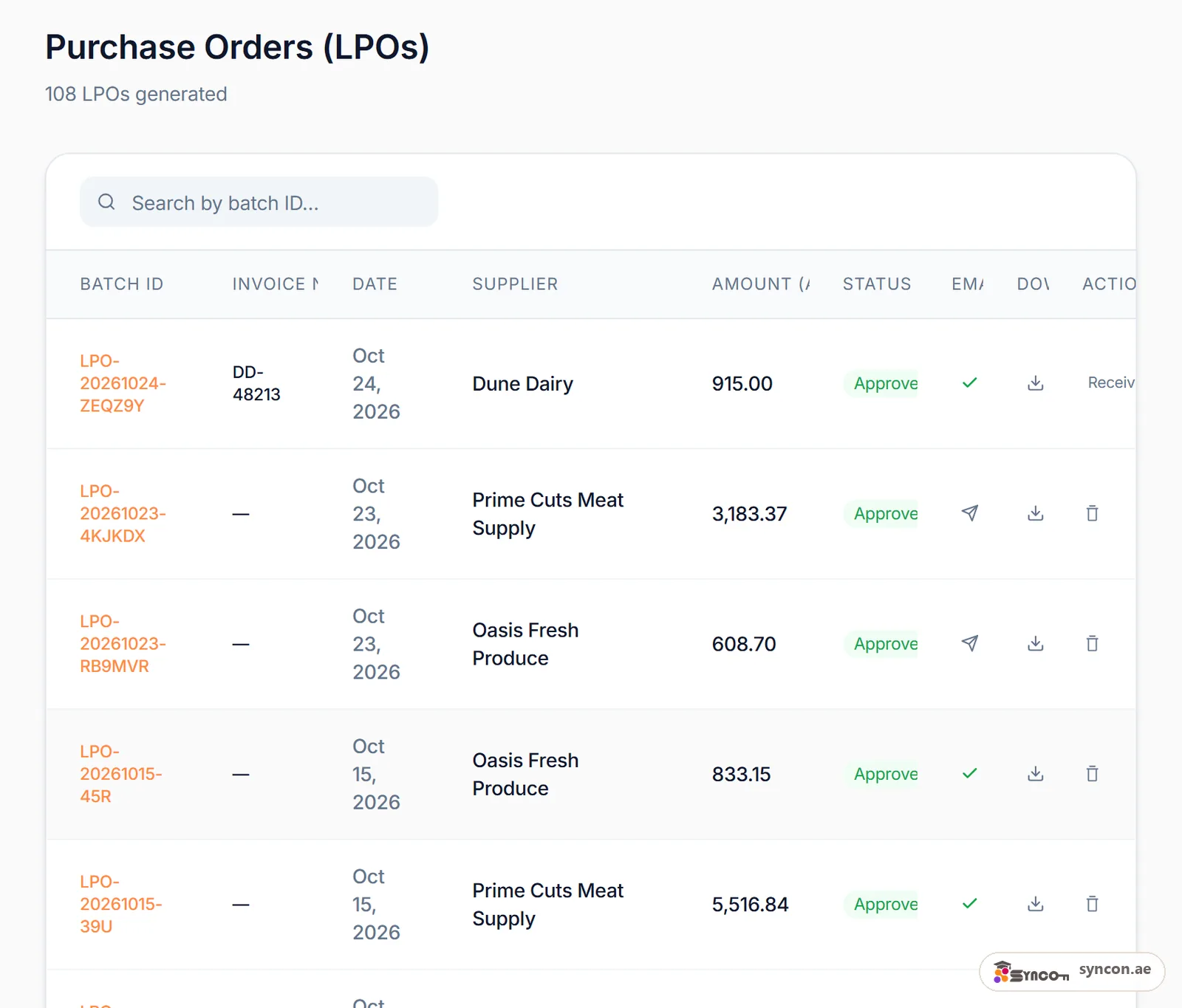
The LPO screen is where that list lives. Its header says 108 LPOs generated, and each row is one order: its batch ID, the supplier, the date, the amount in AED and its status. In the demo kitchen, two orders from Oct 15 are still visible: Prime Cuts Meat Supply at AED 5,516.84 and Oasis Fresh Produce at AED 833.15, together AED 6,349.99 promised to two suppliers. Both rows show a dash in the Invoice No. column. The Dune Dairy order from Oct 24, AED 915.00, is different: it carries the invoice number DD-48213 and a Received action. Reading down the Invoice No. column is a quick way to see which orders have been matched and which still need a question to the supplier.
The Email column shows whether the order has been sent to the supplier, and the download icon gives you the order as a document to keep or forward. Search by batch ID finds a single order when a supplier calls about it.
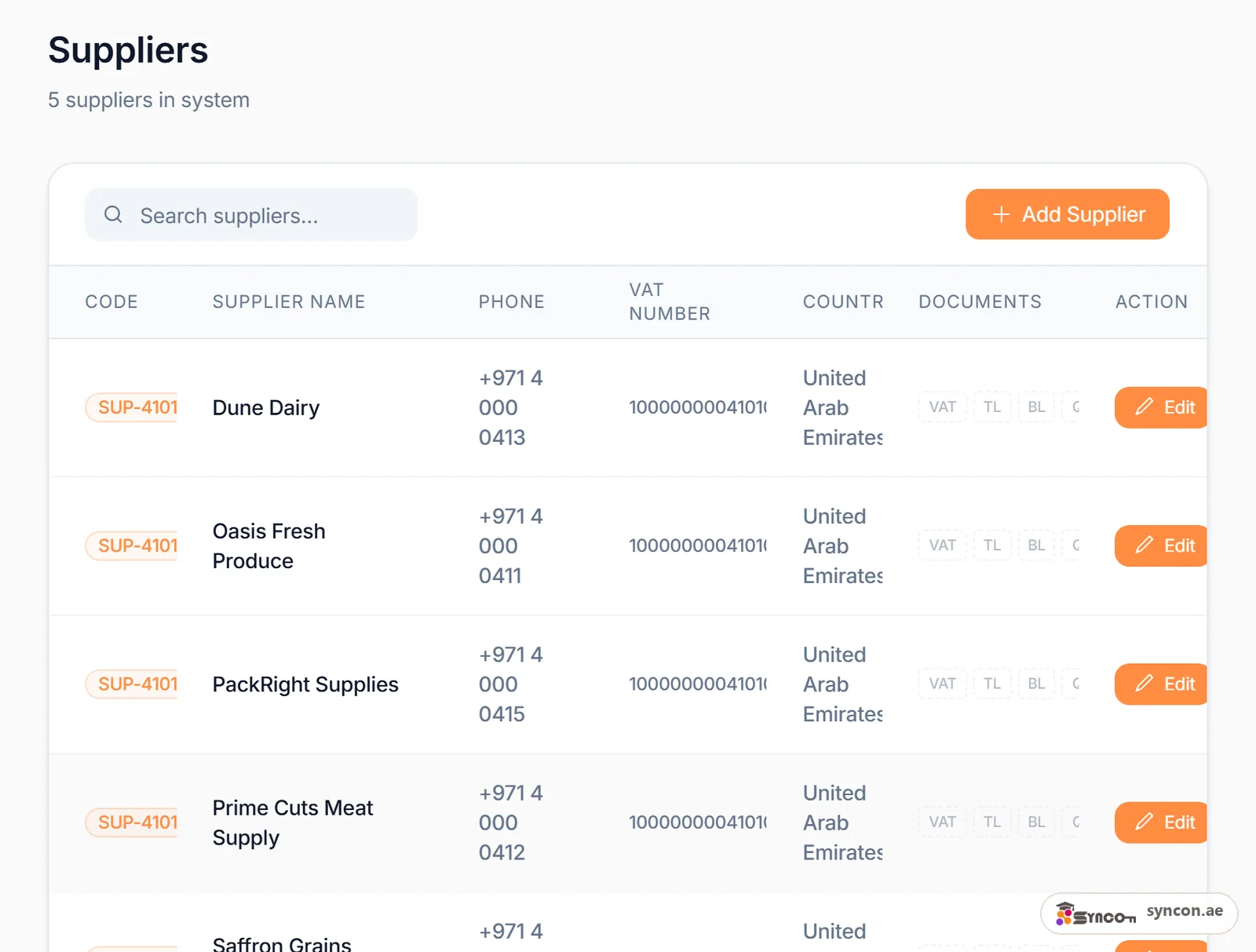
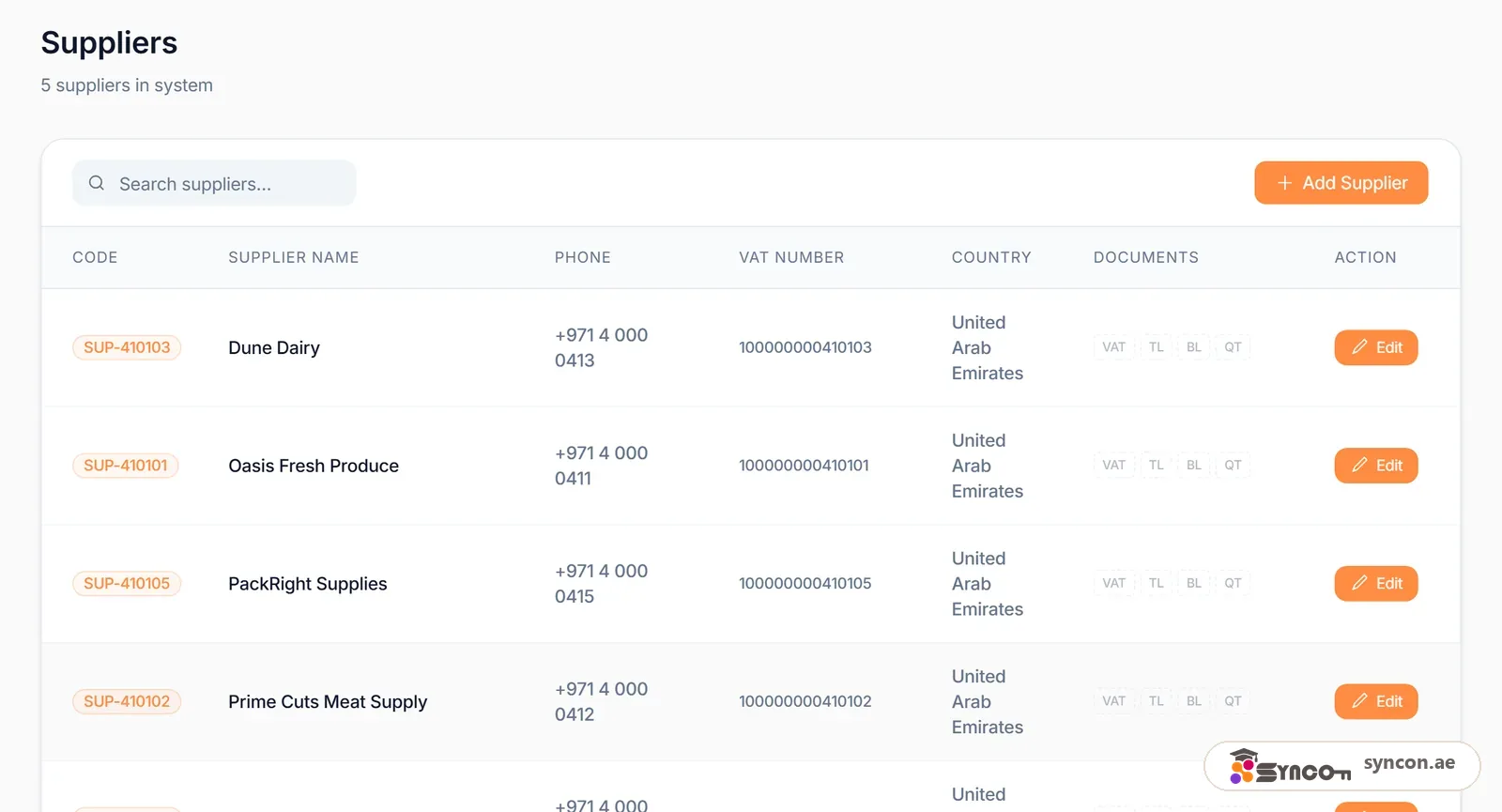
A chase is only quick if the phone number is at hand. The supplier list holds 5 suppliers, each with a code, a phone number, a VAT number and its documents. Dune Dairy, Oasis Fresh Produce, PackRight Supplies and Prime Cuts Meat Supply are all there, so the person doing the weekly check never has to ask around for who to call.
Learn the full method in الشراء والنقد والرقابة.
The screens above are from
Restaurant operating systemsyncon.ae/portfolio/operating-system(opens in a new tab)