Kitchen prep list: plan every batch before service
A kitchen prep list turns expected sales into exact daily batches. Build yours from weighed batch yields so your line never runs short or wastes food.
SyncOn team · 21 Oct 2026 · 4 min read
At four in the afternoon the hummus runs out during a quiet shift, and nobody has soaked the dried chickpeas for a second batch. The next morning, to be safe, the morning cook makes two full batches of tahini sauce without checking the fridge, and half of it goes in the bin two days later. Every finished batch of tahini or garlic sauce that goes in the bin is ingredients and a cook's time you paid for. A kitchen prep list stops both problems by turning expected sales and weighed batch recipes into a clear plan before the stoves are lit.
In short
- Write down every sauce, dough and marinade your kitchen makes in batches along with its finished weight.
- Check the fridge before service prep starts and subtract what is left from what today's sales will need.
- Assign each required batch on the sheet to one cook with a finish time before the rush.
Why prep by habit quietly drains the kitchen
Prepping by habit—making the same number of buckets every morning regardless of the day of the week—guarantees either shortages on busy nights or spoiled stock after quiet ones. When cooks guess how much garlic sauce or pizza dough to prepare, the kitchen relies on memory rather than numbers. If the senior prep cook is off, the rest of the team is left guessing.
A written kitchen prep list is a daily worksheet that tells the morning team exactly how many batches of each item to prepare before service begins. Instead of guessing, the manager sets a target amount for each item based on the day of the week, checks what is already sitting on the shelf, and writes down the difference.
Every batch recipe has a batch output, which is the usable weight or count left in the container after cooking, blending or mixing is done. Knowing that exact yield is what connects the recipe book to the daily prep sheet. If you have not weighed your finished batches yet, start with our guide to recipe yield so your team knows what one batch really produces.
Planning batches also makes the workday calmer and fairer. The morning cooks know what is expected of them before handover, the evening line cooks walk into a stocked fridge, and nobody has to wonder how old a container of sauce is. When an item does run short mid-service, the manager can look at the sheet to see whether the target was set too low or a planned batch was skipped.
How to build a daily prep list that works
Building a reliable daily prep sheet takes four practical steps that any manager can run on paper or in a spreadsheet.
Start from expected sales for the day of the week. A Tuesday rarely needs the same prep as a Friday. Look at your sales mix to see which dishes drive the biggest share of orders on that specific day, and work out how much sauce, dough or marinated meat those plates will need.
Count what is already in the fridge. Before writing down a single batch, open the chillers with a scale and check yesterday's containers. Label the oldest stock to be used first, and subtract that usable weight from today's target.
Convert the gap into whole or half batches using your weighed recipes, and assign each line to a specific cook with a deadline. A sheet without names is only a wish. Keep the targets slightly generous in the first week, then note at the end of every night what ran out early or sat untouched, and tighten the numbers week by week. If your batch weights drift over time, review your batch recipes on a set routine so the prep sheet stays honest.
How this looks in SyncOn
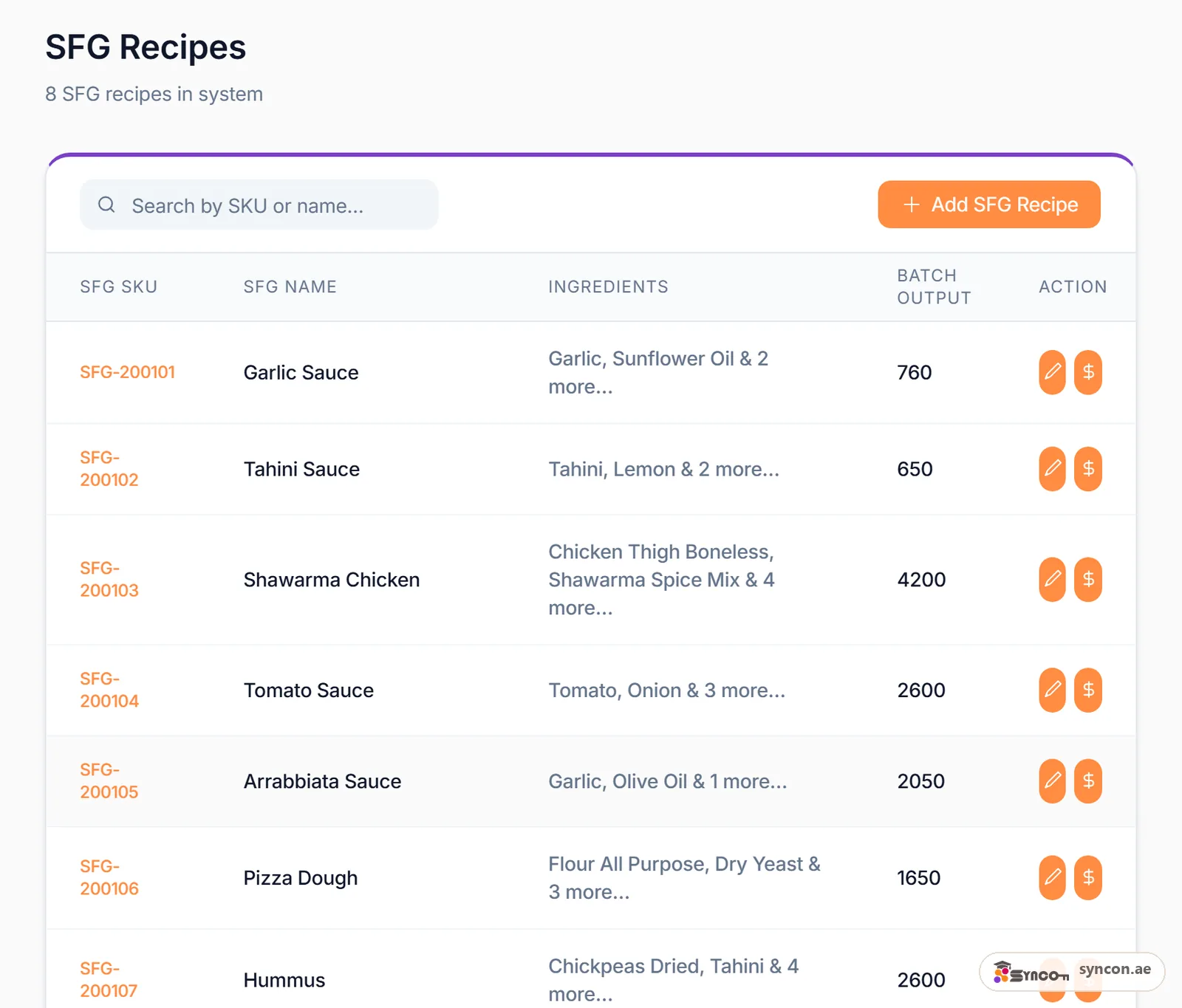
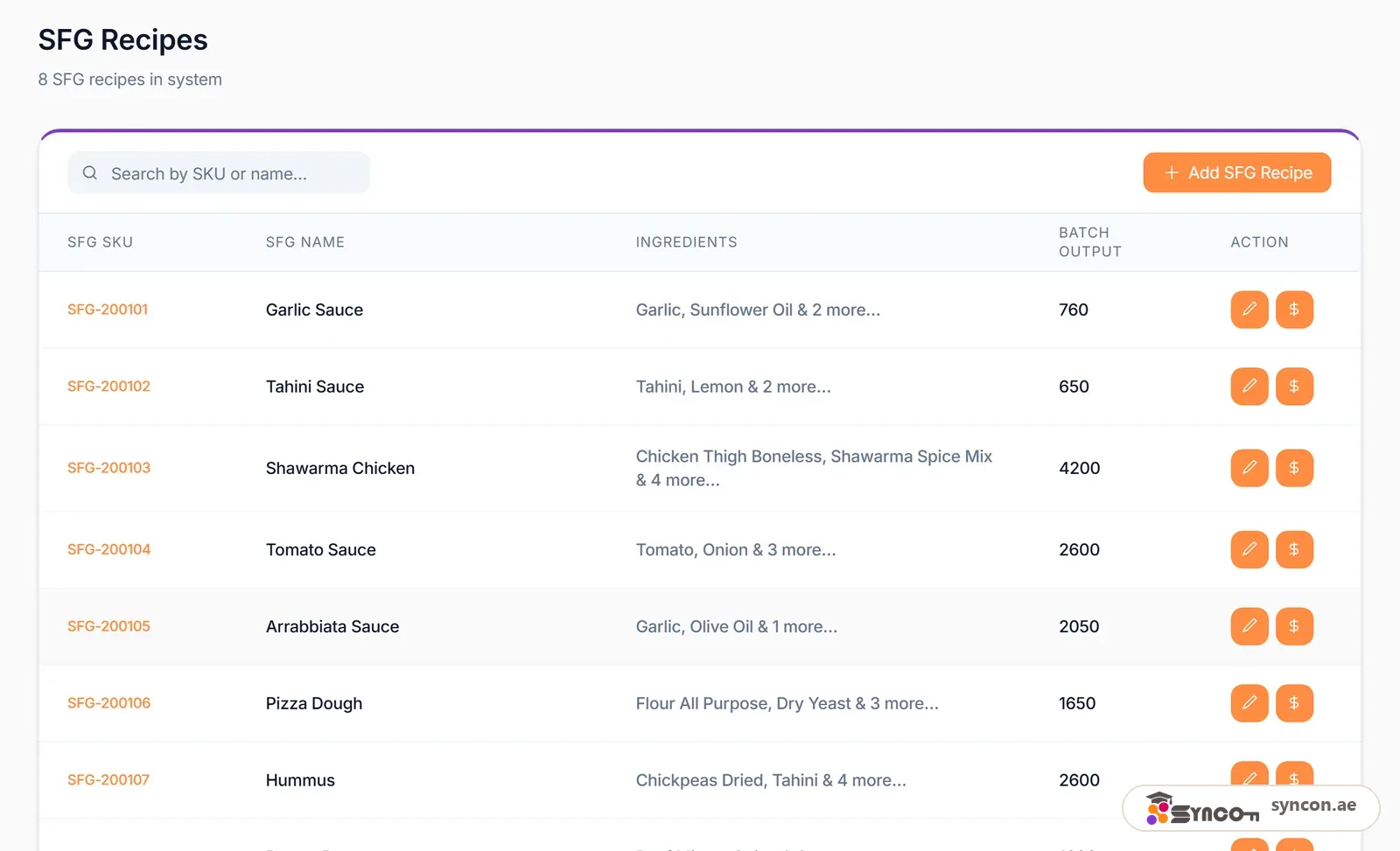
The SFG Recipes screen shows every semi-finished good—the sauces, doughs, marinades and patties made in batches before service—alongside its main ingredients and batch output.
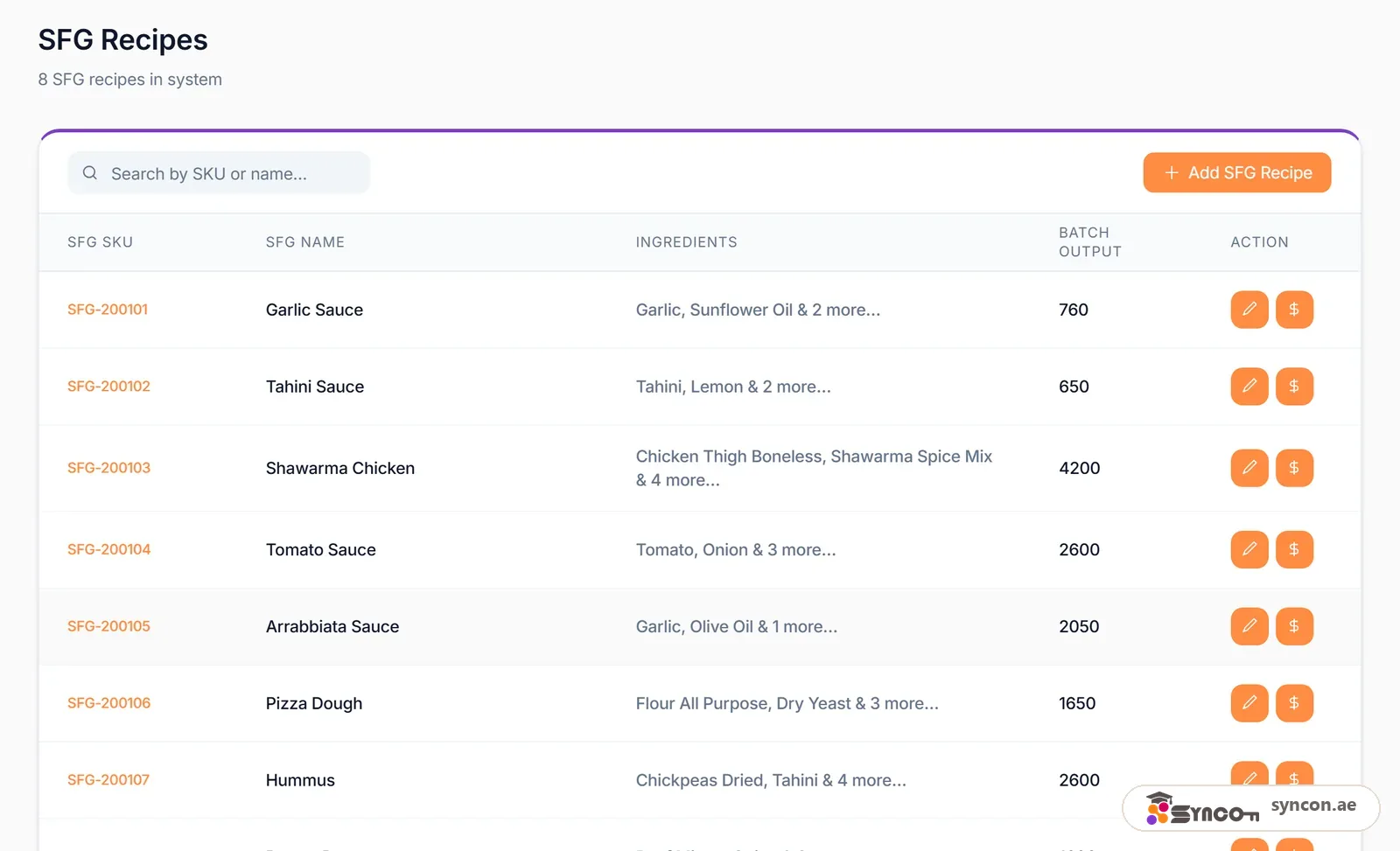
In the demo kitchen there are 8 batch recipes in the system. Looking down the batch output column tells the manager what one run of each recipe produces in grams:
- Garlic Sauce (SFG-200101): 760 g
- Tahini Sauce (SFG-200102): 650 g
- Shawarma Chicken (SFG-200103): 4200 g
- Tomato Sauce (SFG-200104): 2600 g
- Arrabbiata Sauce (SFG-200105): 2050 g
- Pizza Dough (SFG-200106): 1650 g
- Hummus (SFG-200107): 2600 g
- Burger Patty (SFG-200108): 1600 g
When the manager knows that one batch of Shawarma Chicken gives 4200 g and one batch of Hummus gives 2600 g, turning the day's target into a batch count takes seconds. Clicking the edit icon next to any row opens the recipe details.
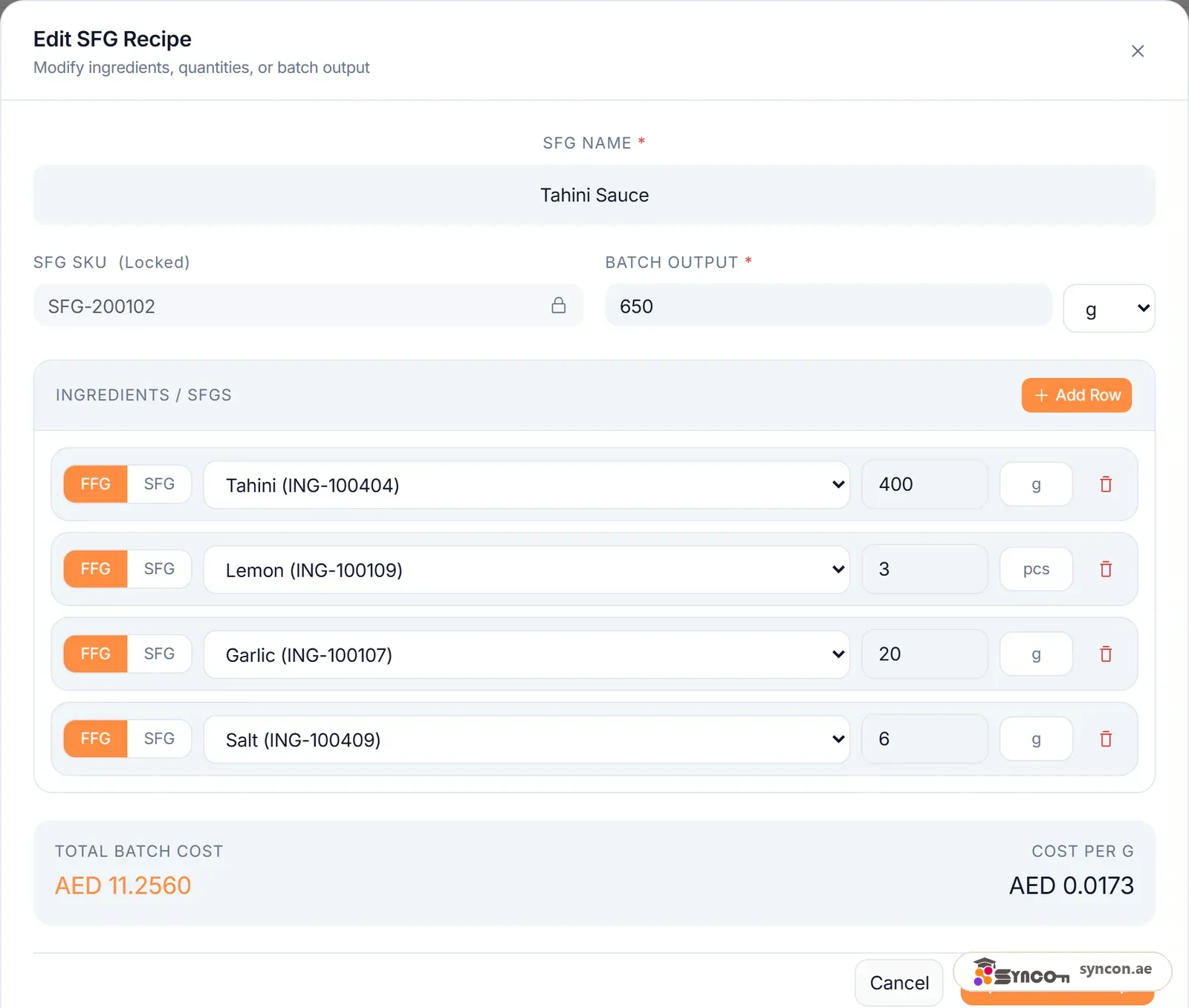
Opening Tahini Sauce shows the exact quantities the cook needs to weigh out for one 650 g batch: 400 g of Tahini, 3 pcs of Lemon, 20 g of Garlic and 6 g of Salt. At the bottom of the dialog, the app works out the total batch cost from current ingredient prices—here AED 11.26—and divides it by the 650 g output to show a cost per gram of AED 0.02. If the morning team preps 2 batches (1300 g) when the day only needs 1 batch, that extra batch ties up AED 11.26 in the chiller; seeing the batch cost right on the recipe helps the manager keep daily prep tight.
Learn the full method in الوصفات والتكلفة والتشغيل اليومي.
The screens above are from
Restaurant operating systemsyncon.ae/portfolio/operating-system(opens in a new tab)