Hub and spoke model: run branches from one kitchen
Use a hub and spoke model to run your branches from one main kitchen, with a fixed code, clear role and active status for every outlet you open.
SyncOn team · 21 Oct 2026 · 4 min read
At nine on a Tuesday morning, the owner is still on the phone sorting out why a driver took a morning delivery to Downtown Café when the prep cooks at Al Barsha Main Kitchen were waiting for it. Marina Express has called twice asking who is sending their sauces today, and two invoices have arrived with two different branch names scribbled at the top. Running 3 outlets without a clear link between the main kitchen and the branches turns every morning into guesswork and wasted journeys. Setting up a hub and spoke model gives the main kitchen and every branch a fixed role and code so goods, recipes and reports go to the right place first time.
In short
- Name one main kitchen as the hub and mark every other location as a spoke branch.
- Give each outlet one official name, a fixed code, an address and a working phone number.
- Keep the outlet list active and updated before you add a new branch or change a role.
Why a hub and spoke model keeps branches in line
A hub and spoke model organises a restaurant group into one main kitchen that sets the standard and several branches that serve guests to that standard. On the outlet list, the Hub / Main HQ type marks the main kitchen and head office where recipes are held, heavy prep is done and central decisions are made, so the manager treats it as the single source of truth for the group. The Spoke / Branch type marks an outlet that serves guests, receives prep from the hub and reports its numbers back in the same format, so the manager checks its performance against the other spokes.
A single restaurant can run on one manager's memory, but 3 outlets in Dubai cannot. Every extra location multiplies the people, deliveries, recipes and daily numbers that have to match.
When each outlet has a clear role on a shared list, problems become much easier to trace. If food cost climbs at Marina Express while Downtown Café stays steady, the owner does not have to guess from scratch. Because both spokes work from the same hub and follow the same setup, the manager can compare them side by side and ask what changed in that one kitchen this week.
How to set up your hub and spokes
Setting up the structure takes a single calm afternoon and saves hours of phone calls every week. Even on paper or a simple sheet, the rules stay the same.
Pick the hub first. Choose the kitchen that holds your main prep space and head office, or set up a dedicated central kitchen when your group grows large enough to need one. Write down which outlet is the hub so cooks, drivers and suppliers know where bulk prep happens.
Lock in one code and one official name per outlet. If one person writes "Marina", another writes "Marina branch" and a third writes "Marina Express", orders and invoices will get mixed up before lunch. Give each place a fixed code and one name, and use only that name across every sheet and standardized recipe.
Keep the street location and phone number on the same line as the outlet name. When a supplier driver is lost in Al Barsha 1 or Downtown, or a new manager needs to call another branch during service, having the exact location and phone number in one shared list stops the owner from being the switchboard.
Use the active status to control which outlets are open for business. On the outlet screen, an Active status means the branch is open and trading today, so the manager includes it in daily prep, orders and team schedules. If a branch closes, mark its status inactive rather than deleting the row, so its past numbers stay intact.
How this looks in SyncOn
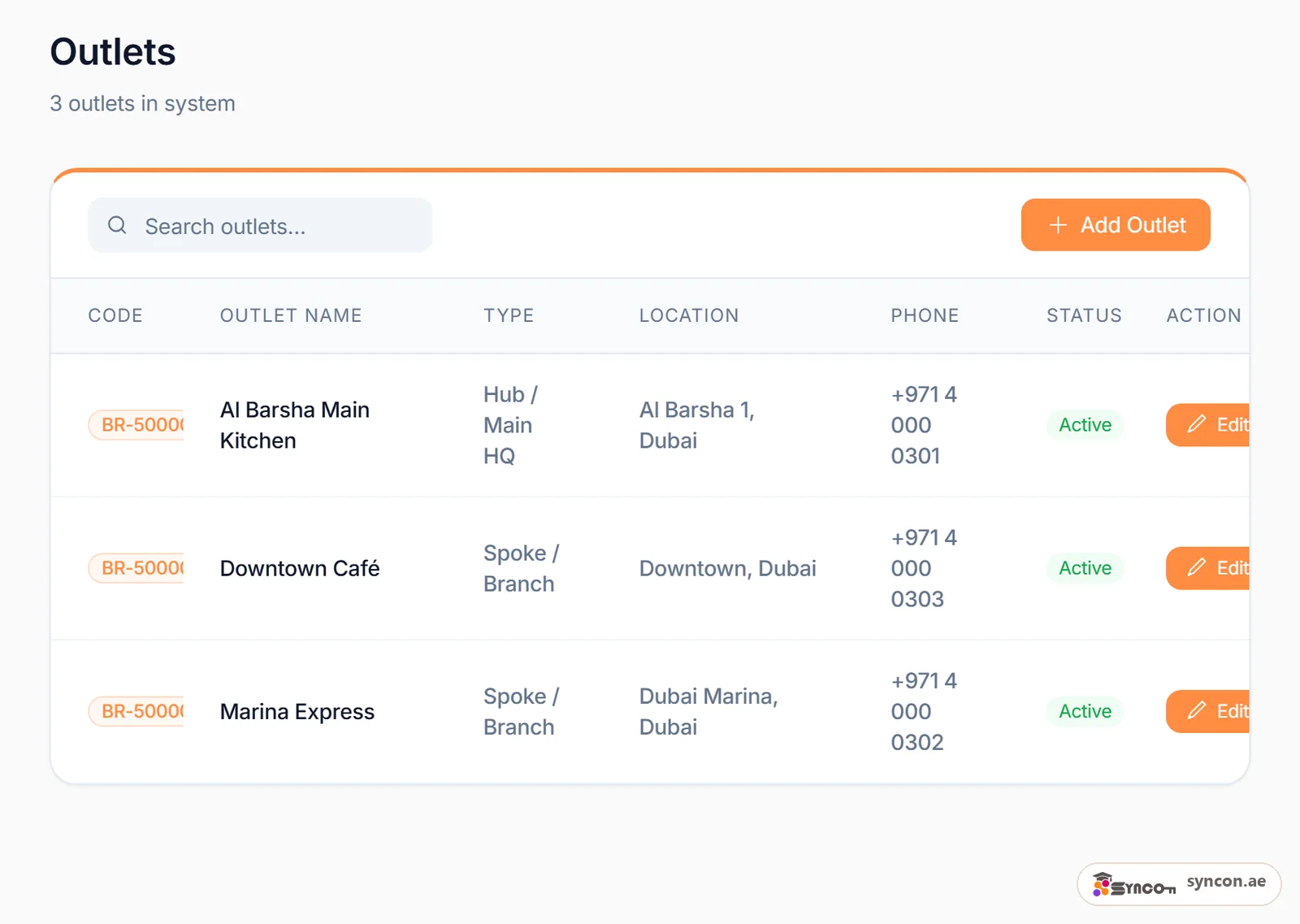
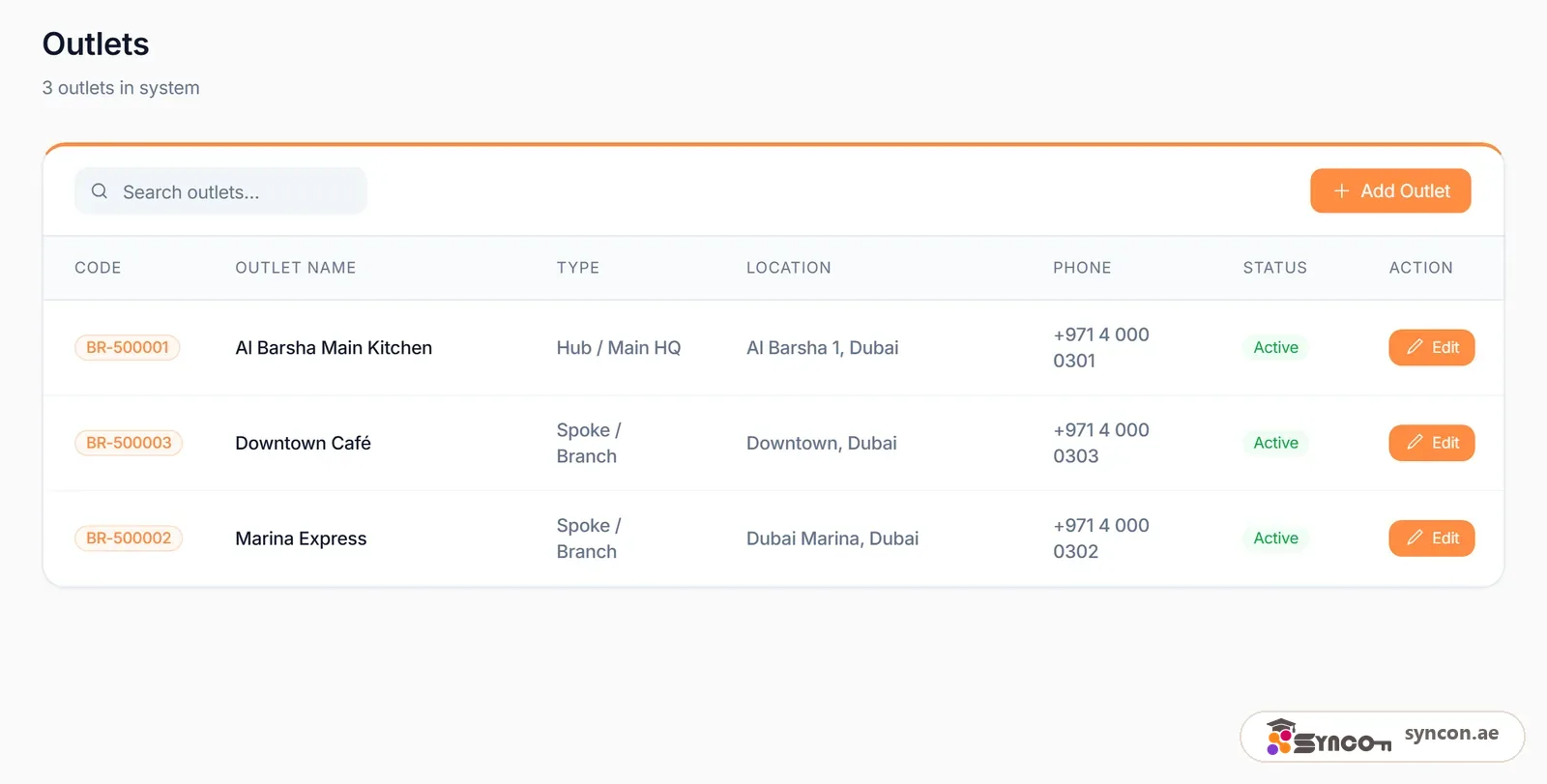
The Outlets screen shows all 3 outlets in the demo kitchen with each outlet's code, name, type, location, phone number and status.
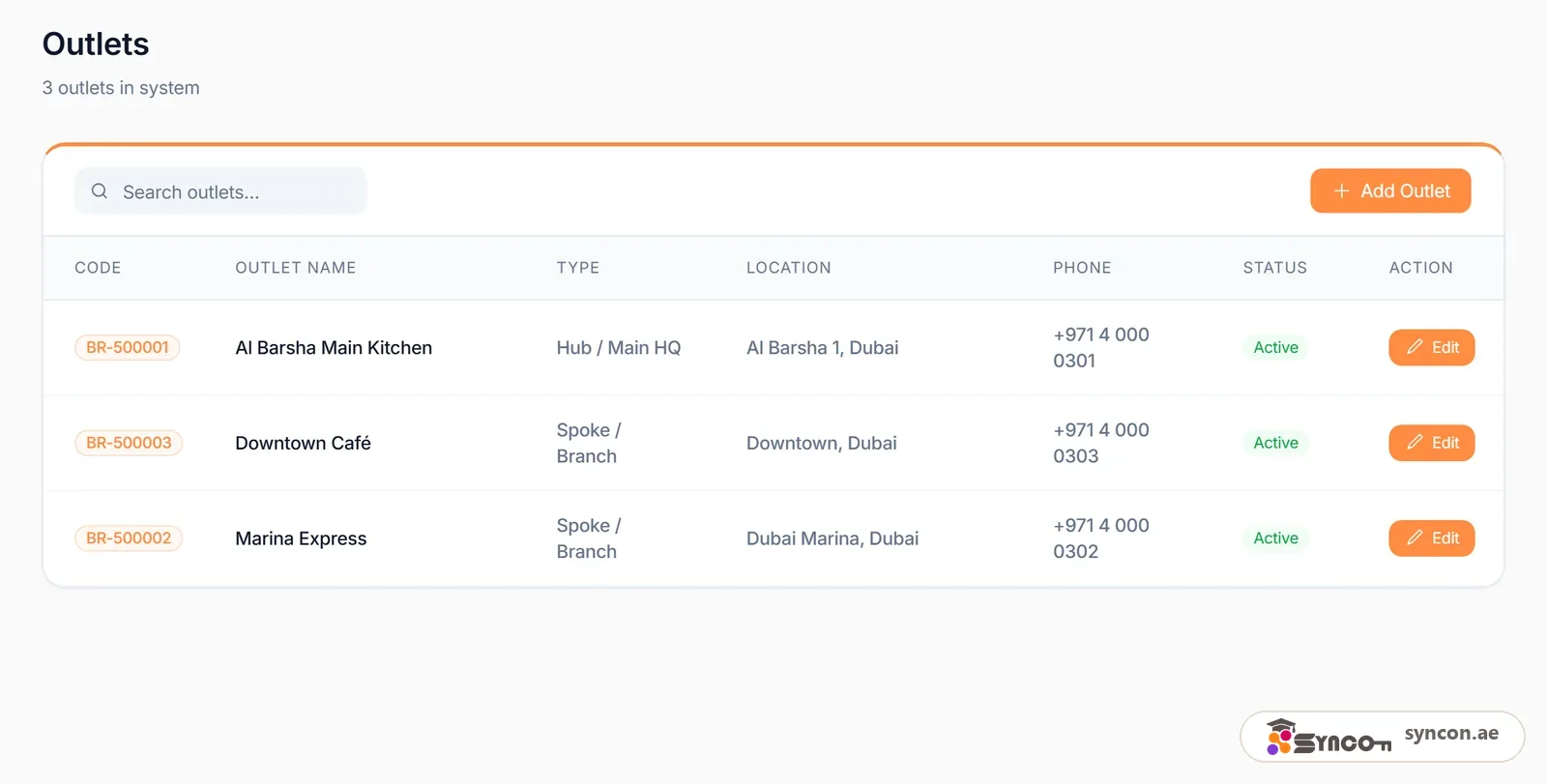
At the top of the table, the search box lets a manager find an outlet quickly, and the Add Outlet button opens the form to register the next branch with the same clean fields. Each of the 3 outlets sits on its own row with an Edit button on the right to update its details when a phone line or role changes:
- Al Barsha Main Kitchen (code BR-500001) is set as Hub / Main HQ in Al Barsha 1, Dubai, with phone +971 4 000 0301 and Active status.
- Downtown Café (code BR-500003) is set as Spoke / Branch in Downtown, Dubai, with phone +971 4 000 0303 and Active status.
- Marina Express (code BR-500002) is set as Spoke / Branch in Dubai Marina, Dubai, with phone +971 4 000 0302 and Active status.
Once those 3 outlets are saved with their codes and types, the manager can assign user roles and permissions to the right branch and keep every kitchen working to the same plan.
Learn the full method in الوصفات والتكلفة والتشغيل اليومي.
The screens above are from
Restaurant operating systemsyncon.ae/portfolio/operating-system(opens in a new tab)