Central kitchen: when a restaurant group needs one
A central kitchen prepares sauces, marinades and doughs for every branch from one place. Know when a group needs one and what to set up first.
SyncOn team · 21 Oct 2026 · 4 min read
Morning prep starts in three branches at once, and the garlic sauce tastes slightly different in each of them. Each kitchen makes its own batch with its own cook, its own blender, and its own idea of how much lemon is enough, while leftover trim sits in three separate fridges. Setting up a central kitchen stops that quiet daily drift by putting one prep team in charge of the food that supplies every branch.
In short
- Let your largest kitchen prepare sauces and marinades for the other branches before building a standalone site.
- Weigh and write down every batch recipe so the main team produces the exact same output every day.
- Mark the main kitchen as the hub and the branches as spokes in your outlet records.
Why a group moves prep to one place
A central kitchen is one kitchen that prepares food for several branches so they do not each cook the same base items from scratch. It usually makes the items that take time, skill, or space: sauces, marinades, doughs, cut meat, and desserts. Keeping bulk stock and prep under one roof also stops three separate kitchens from over-ordering or wasting the same raw goods.
Done well, centralising prep brings real benefits to the whole group. The sauces and marinades taste the same in every branch because one team makes them from one recipe. Ingredients arrive in larger deliveries at one receiving bay instead of splitting across town. The branch kitchens can stay smaller and simpler, and their cooks can focus on service rather than morning batch work.
Done badly, a central site adds a new point of failure. If the morning van is late, every branch suffers at lunch. If a batch of marinade is wrong, it is wrong everywhere at once. And the cost of transport, containers, and an extra kitchen has to be paid for by the food and labour savings.
Moving prep usually makes sense once a group has several branches serving the same menu, and once the prep items are written as proper batch recipes. Before those recipes exist, a bigger room only moves the guesswork to a larger pot.
Many groups test the idea first by letting their largest branch act as the main kitchen for a few key items, such as a signature sauce or marinated meat, before renting a separate production unit. That middle step is a low-risk way to learn what moving prep really involves: the containers, the labels, the delivery times, and the daily orders from each branch.
What to put in place before you centralise
Five practical steps prepare a restaurant group to supply its branches from one main kitchen without losing track of stock or quality.
Start with the items that define the menu. Move the sauces, marinades, and doughs that set your taste first, and keep simple vegetable washing or quick garnishes in the branches until the routine is steady.
Write every batch recipe and its yield. The prep team must make each item the same way every time and know the exact weight a batch produces; if you have not weighed your batches yet, start with costing sauces and prep byrecipe yield and build the daily kitchen prep list from those numbers.
Set fixed cut-off times for branch orders and morning deliveries. Every branch manager should send the next day's request by a set hour in the afternoon, and the van should reach each branch before morning prep begins. Label every tub with the item name, batch date, use-by date, and destination branch, and have the receiving cook count what arrives against what left the main kitchen.
Agree on a backup plan before the first late delivery happens. If traffic holds up the van or a batch fails a taste check, each branch manager needs to know whether to hold a small buffer in the chiller or mix a small emergency batch on site.
Give every outlet a clear role in your records. In the hub and spoke model, the main kitchen is the hub and every branch it supplies is a spoke, and each one needs its own code, location, and active status before goods start moving between them.
How this looks in SyncOn
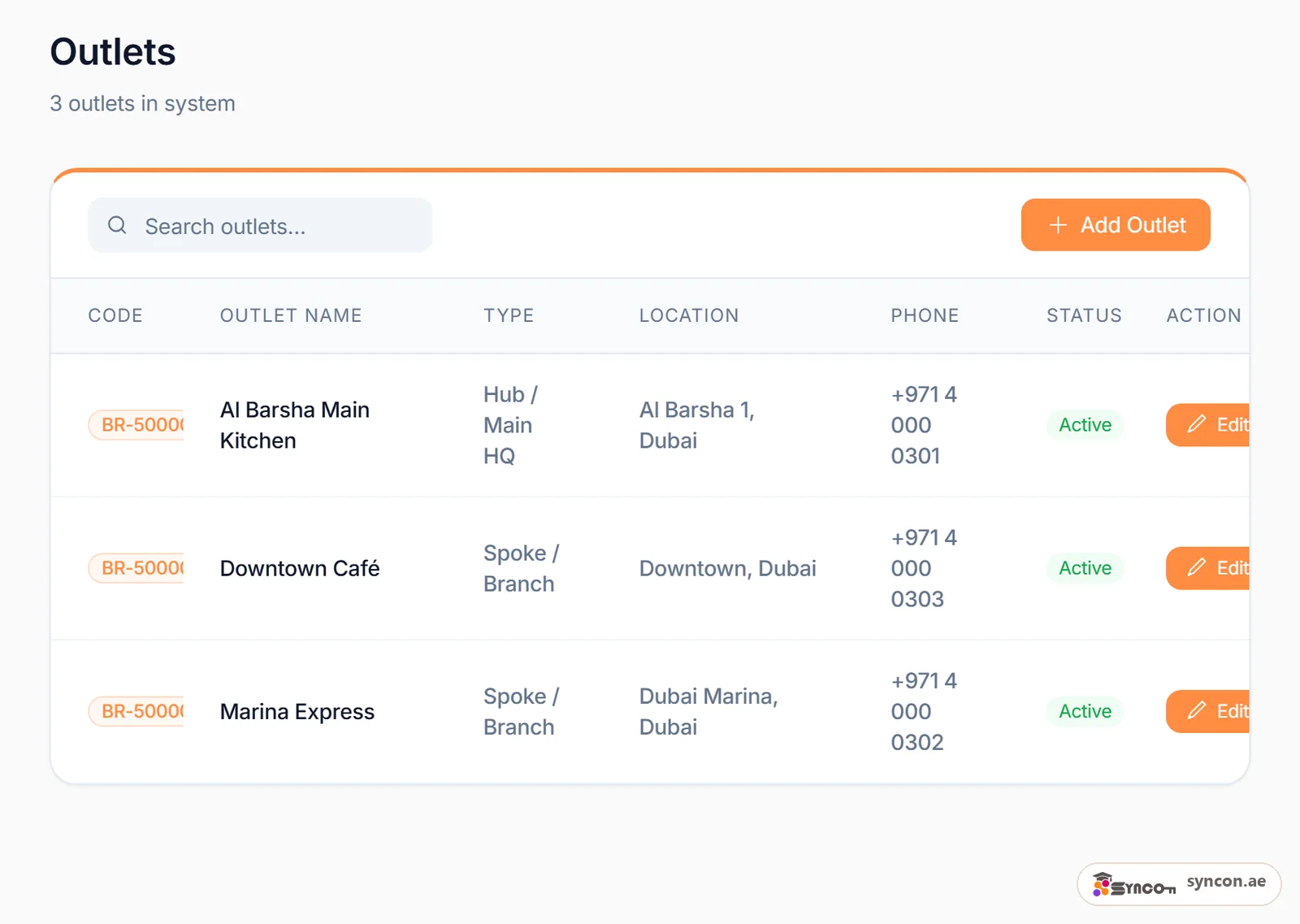
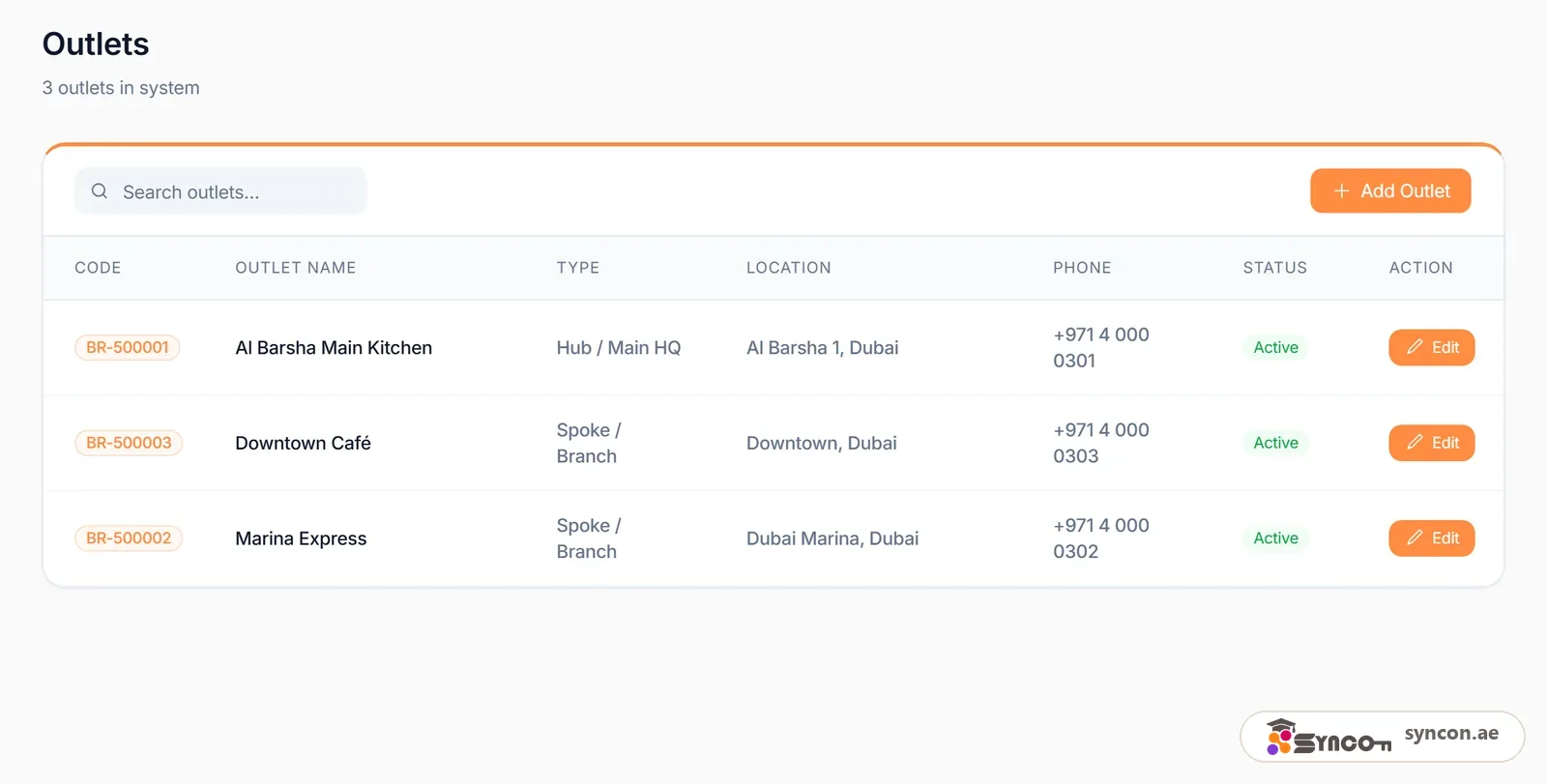
The Outlets screen shows all 3 outlets in the system with each branch's code, name, type, location, phone number, and status.
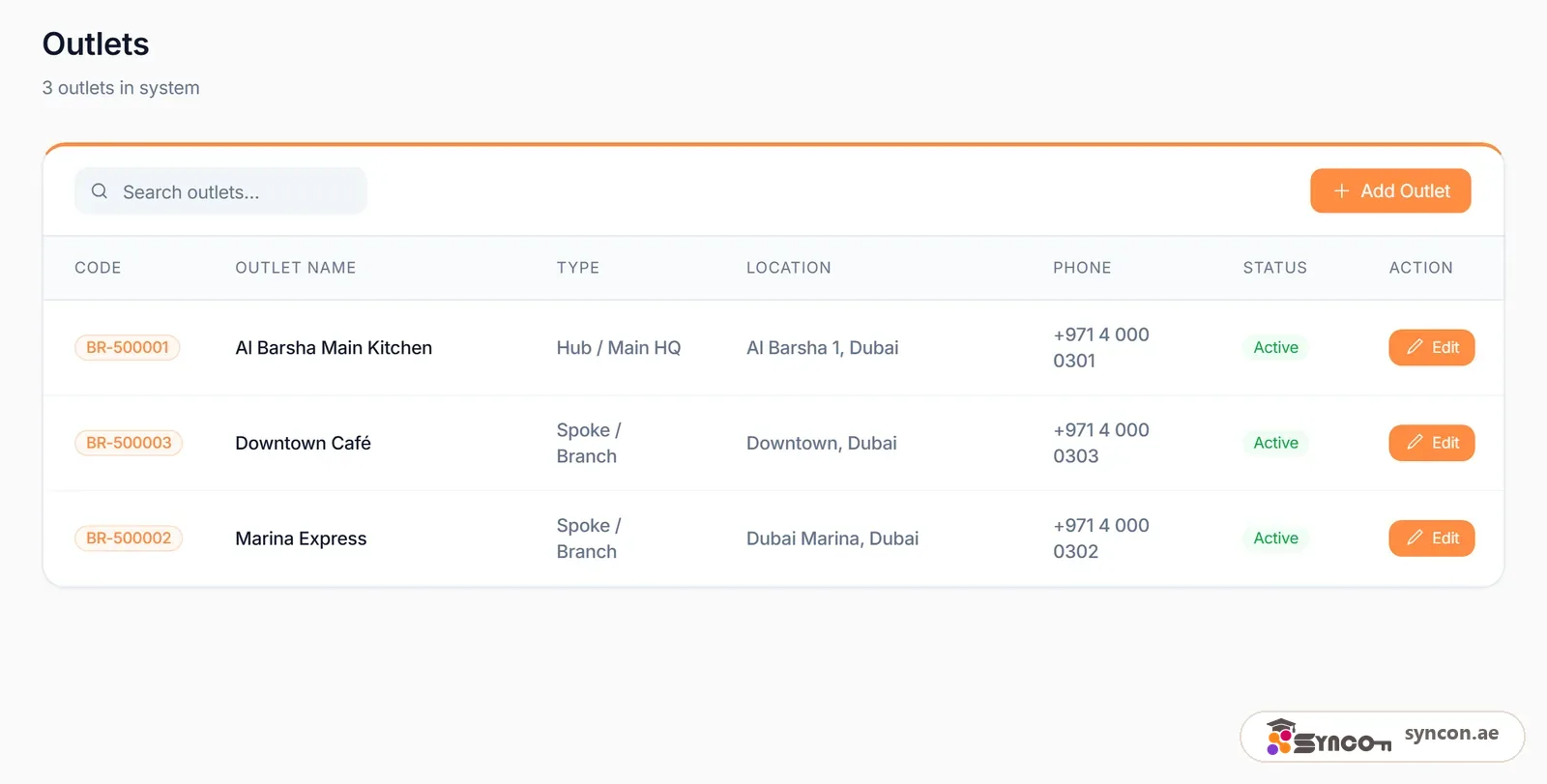
In the Type column, each outlet's role in the group is written clearly: Hub / Main HQ means the main kitchen and headquarters that prepares and sends out stock, while Spoke / Branch means a branch that receives prep from that hub and serves guests. Status shows Active when an outlet is open and trading in the system, so recipes, users, and records only point to live sites.
In the demo kitchen, Al Barsha Main Kitchen in Al Barsha 1, Dubai is set as the Hub / Main HQ with phone +971 4 000 0301. It supplies two Active spokes:
- Downtown Café in Downtown, Dubai, marked as Spoke / Branch with phone +971 4 000 0303.
- Marina Express in Dubai Marina, Dubai, marked as Spoke / Branch with phone +971 4 000 0302.
A manager can search the list from the search box, click Edit on any row to update a branch's details or type as its role changes, or click Add Outlet when the group opens another spoke.
Learn the full method in الوصفات والتكلفة والتشغيل اليومي.
The screens above are from
Restaurant operating systemsyncon.ae/portfolio/operating-system(opens in a new tab)