User roles and permissions for restaurant teams
User roles and permissions decide who sees and changes what. Give each person their own role and only the branches they work in.
SyncOn team · 21 Oct 2026 · 3 min read
A recipe cost changes overnight and nobody knows who changed it. The supervisor says it wasn't her. The chef says he only looked. The login everyone uses was written on a sticky note by the office computer two years ago, and three of the people who know it no longer work for the business. Nothing is necessarily wrong, but nobody can prove it either. Clear user roles and permissions would answer the question in seconds.
Why it matters
As a restaurant grows, more people need to see and change its numbers: branch managers, chefs, the accountant, an area manager, the owner. The easy way is one shared login. It is also the way most problems start.
With a shared login, every change belongs to everybody, which means it belongs to nobody. A mistake can't be traced, so it can't be taught. A departing employee keeps the password unless someone remembers to change it, and changing it means telling everyone else the new one.
There is a second problem: people see more than they need. A branch manager doesn't need the purchase prices of every other branch. A cashier doesn't need to edit recipes. Every extra permission is one more way for an honest mistake to reach the wrong place.
The answer is simple and old: one person, one account, one role, and only the branches that person really works in.
Separate accounts protect the team as much as the business. When every change carries a name, a careful manager can show exactly what they did, and nobody is blamed for a change they never made. Most teams welcome this once they see that it works in both directions.
What good practice looks like
- Give everyone their own account. Their own email and their own password. No shared logins, not even for the night shift.
- Decide the roles before you create the accounts. Write down what each role should see and do: an accountant, a branch manager, an area manager, the owner.
- Link each person to the branches they work in. A branch manager sees their own branch. An accountant or area manager may need several. Nobody needs every branch by default. In a hub and spoke model, the hub team often covers every branch while each branch team sees only its own.
- Keep the number of senior roles small. The more people who can change prices and recipes, the harder it is to keep them right. Splitting who orders, who receives and who pays is called segregation of duties.
- Remove access on the day someone leaves. Make it part of the leaving checklist, alongside the uniform and the keys.
- Review the list every few months. Look at who has access and when they last signed in. An account nobody has used for months is a door left open.
- Change roles when jobs change. A cook promoted to supervisor needs a new role, and should lose what they no longer use.
Clear roles also make training easier. When a person signs in and sees only what belongs to their job, the system is simpler to learn and harder to break.
How this looks in SyncOn
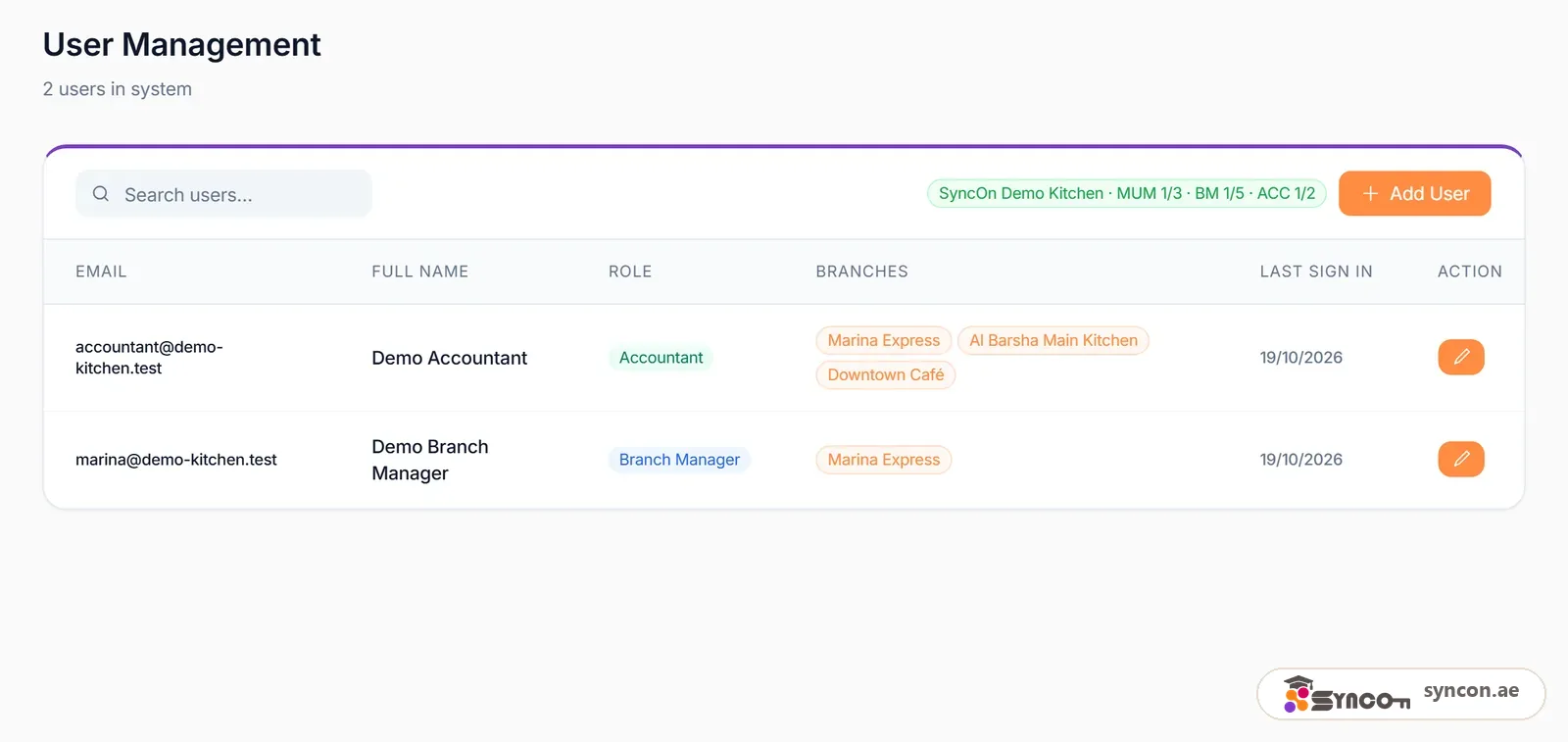
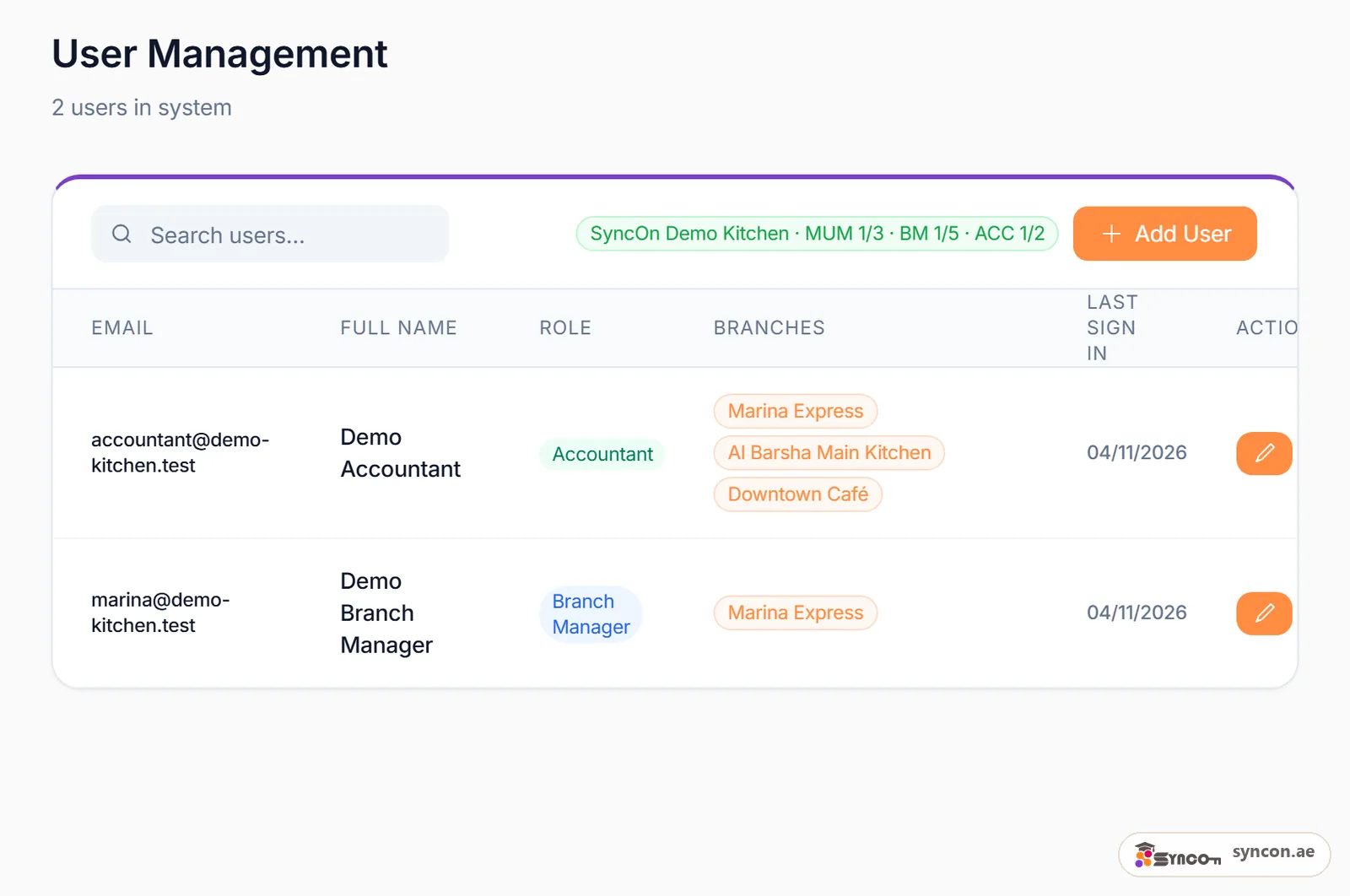
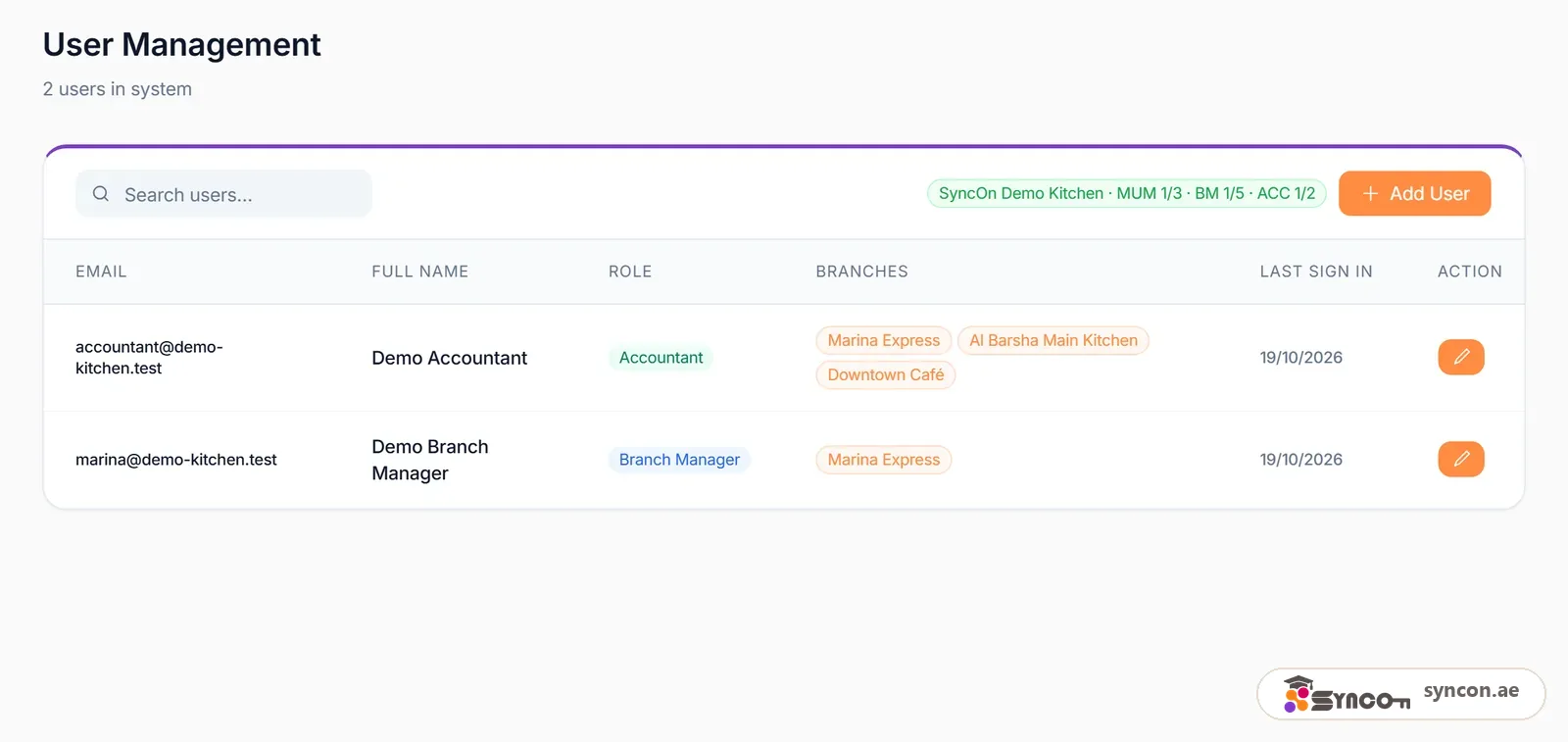
Each person has their own account, listed with their email, full name, role, the branches they work in and the date they last signed in. In the demo kitchen the accountant is linked to all three outlets, the Marina express, the Al Barsha main kitchen and the Downtown café, because the accounts cover the whole business. The branch manager is linked only to the Marina express, the one branch they run. Both last signed in on 19 October, so it is easy to spot an account that hasn't been used in a long time.
At the top of the list, a summary counts the people in each role against the seats available, so adding a new manager is a deliberate step rather than a shared password passed along.
Learn the full method in أساسيات البرنامج وتجهيز مطعمك.
The screens above are from
Restaurant operating systemsyncon.ae/portfolio/operating-system(opens in a new tab)